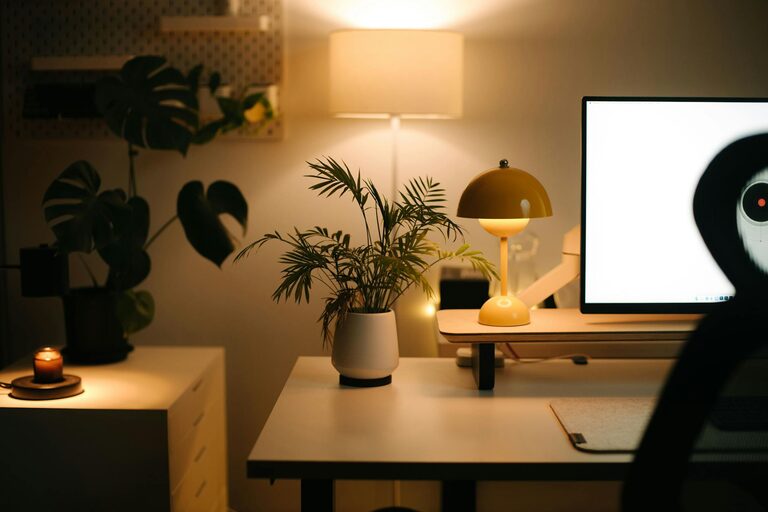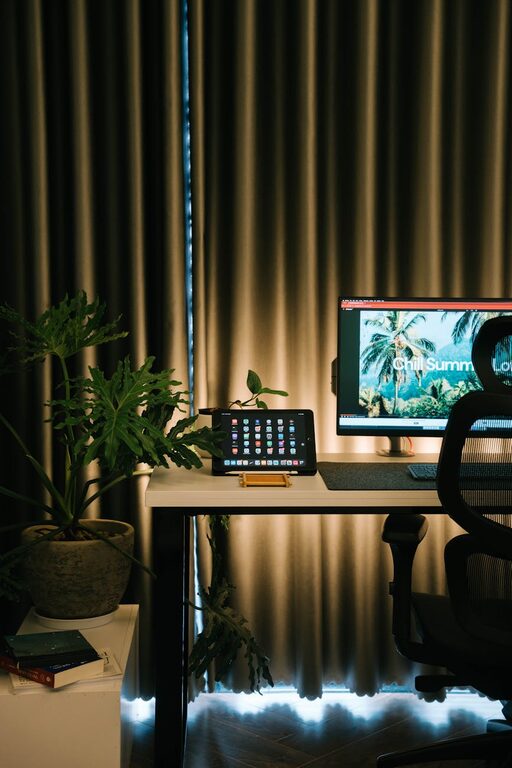
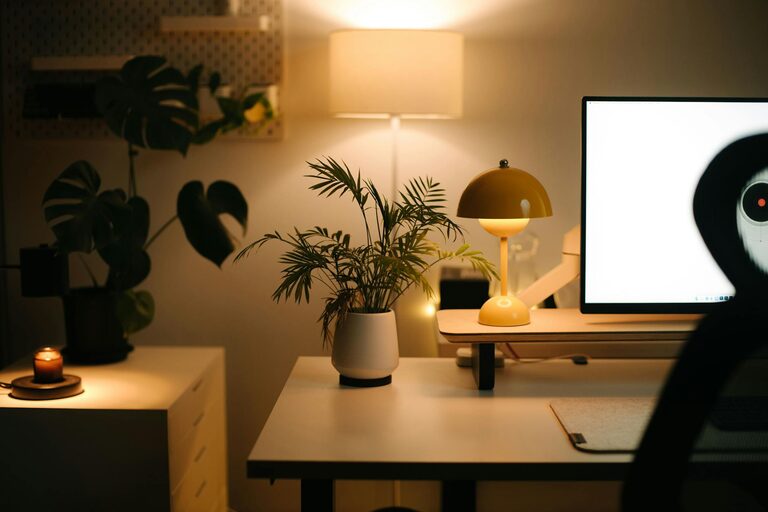
Creating a home office space that balances comfort and productivity is essential for anyone working remotely or running a business from home. A well-designed workspace can boost your focus, reduce stress, and make daily tasks more enjoyable. Here’s a guide to help you create a cozy and efficient home office tailored to your needs.
Choose the Right Location
Selecting the perfect spot for your home office is the first step. Ideally, pick a quiet area with minimal distractions. If possible, use a separate room to clearly define your work zone. If space is limited, consider a small nook or an underused corner.
Consider Natural Light
Natural light improves mood and energy levels. Position your desk near a window to soak up daylight, but avoid glare on your computer screen. Adding light curtains or adjustable blinds can help control the brightness while keeping the space inviting.
Invest in Comfortable Furniture
Your comfort directly affects your productivity. Here’s what to keep in mind:
– Ergonomic Chair: Choose a chair that supports your back and encourages good posture. Adjustable height and lumbar support are important features.
– Appropriate Desk: Select a desk with enough surface area to accommodate your computer, notes, and tools without clutter.
– Adjustable Setup: Consider a sit-stand desk or add a keyboard tray to improve ergonomics throughout your workday.
Organize for Efficiency
A clutter-free workspace helps keep your mind clear. Use these organization tips:
– Storage Solutions: Use shelves, filing cabinets, or boxes to keep documents and supplies neat.
– Cable Management: Use clips or cable sleeves to keep cords tidy and prevent tangles.
– Desk Accessories: Add organizers for pens, notebooks, and other essentials to maintain order.
Personalize Your Space
Adding personal touches can make your office feel cozy and inspiring:
– Decor: Hang artwork or photos that motivate you or bring joy.
– Plants: Indoor plants improve air quality and add calming greenery.
– Soft Textiles: Place a cozy rug or cushions where you work or take breaks.
Optimize Lighting
In addition to natural light, good artificial lighting is crucial:
– Task Lighting: Use a desk lamp with adjustable brightness to focus on your work.
– Ambient Lighting: Choose warm, soft overhead lights to reduce eye strain.
– Avoid Harsh Glare: Position lights to minimize reflections on screens.
Minimize Distractions
Distractions can disrupt workflow. Try these strategies to stay focused:
– Noise Control: Use noise-canceling headphones or white noise machines if external sounds bother you.
– Dedicated Work Hours: Set clear work times and communicate them with household members.
– Keep Devices in Check: Silence non-work-related notifications during work hours.
Enhance Productivity with Technology
Choose tools and equipment that support your workflow:
– Reliable Computer & Internet: Ensure your devices are up-to-date and that your connection is strong.
– Productivity Apps: Use calendars, to-do lists, and project management software for better task handling.
– Printer & Scanner: If needed, keep these devices within easy reach to reduce interruptions.
Maintain a Healthy Routine
Your workspace should support your well-being:
– Take Breaks: Regular short breaks help prevent fatigue.
– Stay Hydrated & Nourished: Keep a water bottle and healthy snacks nearby.
– Stretch & Move: Incorporate light stretching or short walks during the day to stay active.
Keep It Flexible
Your needs may change over time. Make your home office adaptable:
– Modular Furniture: Use pieces that can be rearranged or repurposed easily.
– Seasonal Adjustments: Add warmer throws or fans depending on the season.
– Regular Updates: Refresh your space periodically to keep it engaging.
—
Creating a cozy and productive home office doesn’t require a large investment—just thoughtful planning. By paying attention to comfort, organization, lighting, and personalization, you can build a workspace that not only looks good but also helps you do your best work every day.