Creating a home office that is both cozy and productive can make a significant difference in your daily work routine. Whether you’re working remotely full-time or need a dedicated spot for occasional tasks, a well-designed workspace helps boost focus, reduce stress, and inspire creativity. Here are some helpful tips to design a home office that feels inviting and supports your productivity.
Choose the Right Location
Find a Quiet Corner or Room
Select a space in your home that minimizes distractions and noise. If you don’t have a separate room, a quiet corner tucked away from common areas like the kitchen or living room works well. Natural separation helps create a mental boundary between work and personal life.
Consider Natural Light
Working near a window with plenty of natural light can improve your mood and energy levels. Position your desk so the light falls beside you rather than directly in front or behind, which helps prevent glare on your screen.
Invest in Comfortable and Functional Furniture
Ergonomic Chair and Desk
Comfort is key to maintaining productivity. An ergonomic chair with proper lumbar support reduces back strain during long hours. Pair it with a desk of adequate size to accommodate your computer, notebook, and other work essentials without clutter.
Adjustable Setup
If possible, choose furniture that allows you to adjust the height or setup, such as sit-stand desks or monitor risers. Alternating positions throughout the day can reduce fatigue and improve circulation.
Organize Your Space Effectively
Declutter Regularly
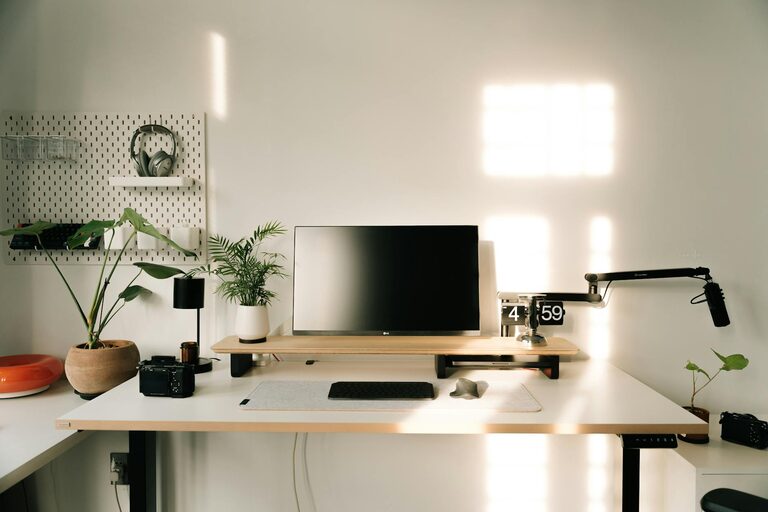
A tidy workspace minimizes distractions and fosters clear thinking. Keep only the items you use daily on your desk. Store papers, cables, and other supplies in drawers or organizers to maintain a clean surface.
Use Storage Solutions
Shelving units, filing cabinets, or drawer organizers help keep things in order. Label containers for easy access and make a habit of putting things back after use.
Cable Management
Messy cables can quickly make a workspace feel chaotic. Use clips, sleeves, or under-desk trays to route wires neatly and avoid tangles.
Personalize Your Workspace
Add Cozy Elements
Incorporate soft textures like a small rug, cushions, or a cozy blanket. These touches add warmth and comfort, making you look forward to your work sessions.
Bring in Greenery
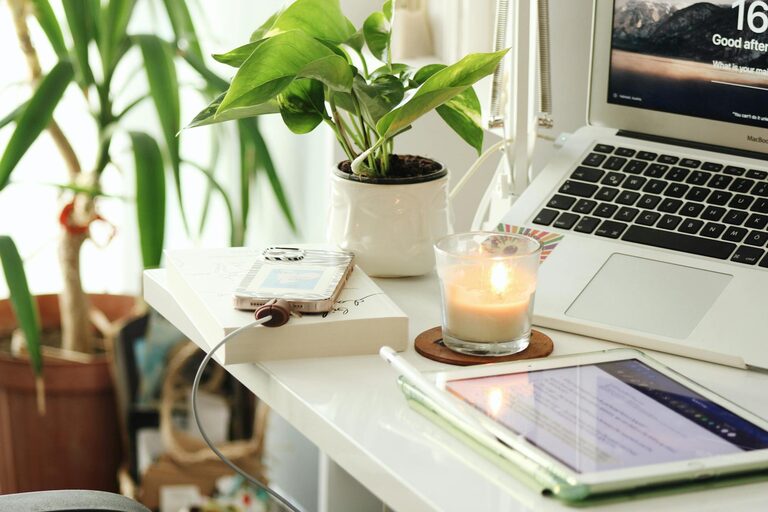
Plants not only brighten up your space but can also reduce stress and boost air quality. Choose low-maintenance plants like succulents or pothos if you’re new to plant care.
Display Motivation and Inspiration
Decorate with artwork, quotes, or photos that inspire you. A visually appealing environment can increase motivation and creativity.
Set Up Efficient Lighting
Combine Ambient and Task Lighting
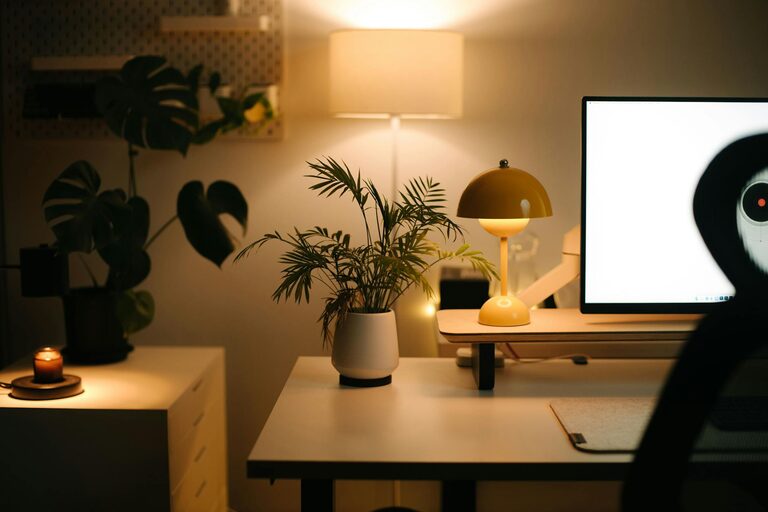
Good lighting reduces eye strain and enhances focus. Use a combination of overhead ambient light and focused task lighting like an adjustable desk lamp. Warm light tones tend to feel more inviting, while cooler white lights can help you stay alert.
Minimize Screen Glare
Position lighting to avoid reflections on your computer screen. Installing adjustable blinds or curtains can help control natural light throughout the day.
Create a Workflow-Friendly Layout
Keep Essentials Within Reach
Arrange your most-used items like pens, notebooks, or your phone within easy reach to avoid interrupting concentration.
Use Multiple Monitors or Tools
If your work benefits from it, consider dual monitors or productivity tools such as document holders or whiteboards. These can help keep information organized and accessible.
Incorporate Break Zones or Techniques
Schedule Regular Breaks
Remember that productivity includes rest. Use timers or apps to remind yourself to stand, stretch, or step away from the desk briefly.
Create a Mini Relaxation Area
If space allows, add a small chair or bean bag nearby where you can take quick breaks away from the desk. Even a few minutes in a change of scenery can refresh your mind.
Maintain Good Air Quality and Temperature
Ensure Proper Ventilation
Good airflow prevents stuffiness and keeps you alert. Open windows when possible or use air purifiers to circulate fresh air.
Control Temperature
A comfortable room temperature, generally between 68°F and 72°F (20°C to 22°C), helps maintain focus. Use fans, heaters, or air conditioners as needed to achieve this.
Establish Boundaries and Routine
Set Work Hours
Define your work schedule and stick to it. Clear start and finish times help maintain a work-life balance, reducing burnout.
Communicate Boundaries
If you share your home with others, let them know your work times and the importance of minimizing interruptions.
—
Designing a home office that blends coziness with productivity is all about thoughtful planning and personalization. By combining comfort, organization, good lighting, and an inspiring atmosphere, your workspace can become a place where you enjoy spending time and get focused work done. Start with small improvements and adjust as you discover what works best for your needs.