
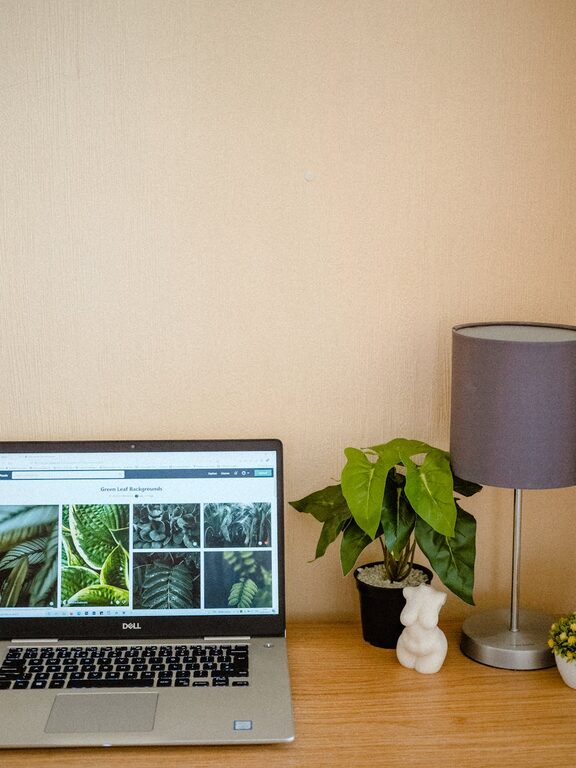
Creating a cozy and functional home workspace is essential for anyone who works from home or enjoys spending time on projects in a dedicated area. A well-designed workspace promotes productivity, reduces stress, and makes working from home more enjoyable. Whether you have a small corner or an entire room to dedicate, these tips will help you create a space that feels inviting and serves your needs.
Choose the Right Location
The first step in creating your ideal workspace is selecting the right location in your home.
– Consider Natural Light: Position your desk near a window if possible. Natural light helps boost mood and focus.
– Minimal Distractions: Choose a quiet spot away from busy areas like the kitchen or living room to increase concentration.
– Space Availability: Ensure there’s enough space for your computer, supplies, and personal items without feeling cramped.
Invest in Comfortable Furniture
Comfort is key when spending long hours working.
– Ergonomic Chair: A supportive chair that promotes good posture can prevent back pain.
– Adjustable Desk: Standing desks or desks with adjustable heights offer flexibility and can improve circulation.
– Desk Surface: Aim for a clean, spacious desk that fits your work essentials.
Organize With Purpose
An organized workspace reduces clutter and improves efficiency.
– Storage Solutions: Use shelves, drawers, and bins to keep supplies tidy.
– Cable Management: Use clips, boxes, or ties to keep cords out of sight and prevent tangles.
– Daily Declutter: Take a few minutes each day to clear your workspace for a fresh start.
Add Personal Touches
Personalizing your workspace can make it more inviting and motivate you throughout the day.
– Plants: Adding greenery improves air quality and creates a calming atmosphere.
– Artwork & Photos: Choose pieces that inspire or relax you.
– Decorative Objects: Items like a cozy throw or decorative cushions can add warmth.
Optimize Lighting
Good lighting reduces eye strain and sets the right mood.
– Layered Lighting: Combine ambient lighting, task lights (like desk lamps), and accent lights.
– Adjustable Lamps: Use lamps with adjustable brightness and color temperature for different tasks.
– Avoid Glare: Position screens and lights to minimize glare on your monitor.
Keep Technology Efficient
Technology is the backbone of most home workspaces.
– Reliable Internet: Ensure a strong, stable internet connection.
– Essential Equipment: Invest in quality keyboards, mice, and monitors that suit your work style.
– Backup Power: Consider a surge protector or backup battery for uninterrupted work.
Establish Boundaries
Creating clear boundaries helps separate work life from home life.
– Dedicated Workspace: Keep work materials in one place to easily “leave” work at the end of the day.
– Set Work Hours: Establish a schedule to balance productivity and relaxation.
– Communicate Boundaries: Inform family or housemates about your work times to minimize interruptions.
Maintain a Healthy Routine
A cozy and functional workspace supports not just work, but your well-being.
– Take Breaks: Stand up, stretch, or walk around to avoid stiffness.
– Stay Hydrated: Keep water nearby to stay refreshed.
– Comfortable Climate: Adjust room temperature and ventilation to stay comfortable throughout the day.
Final Thoughts
Designing a home workspace that is both cozy and functional requires attention to comfort, organization, and atmosphere. By thoughtfully choosing your location, furnishings, and decor, you can create an environment tailored to your needs. This thoughtful approach will help you stay focused, reduce stress, and enjoy your time working at home. Remember, your workspace should reflect you — making it a place where you want to spend your time.