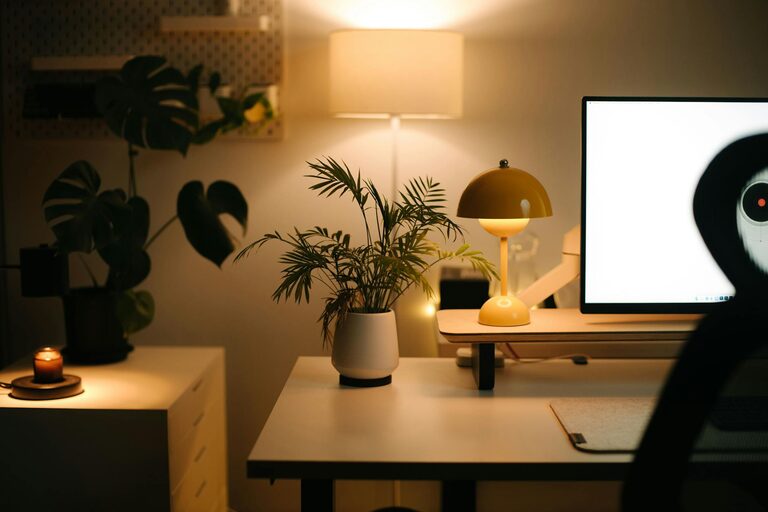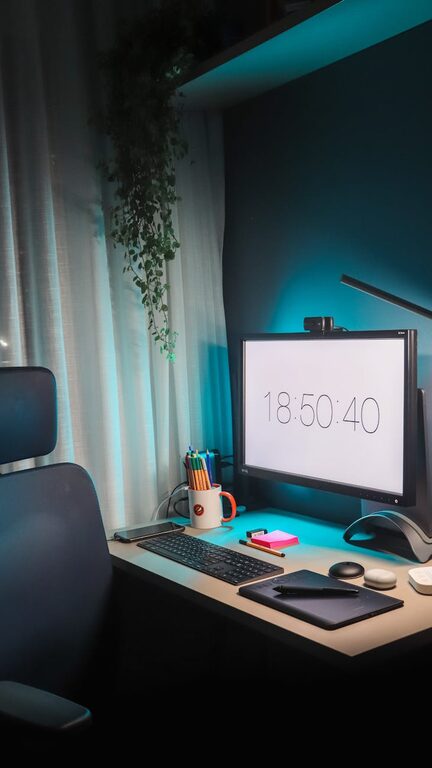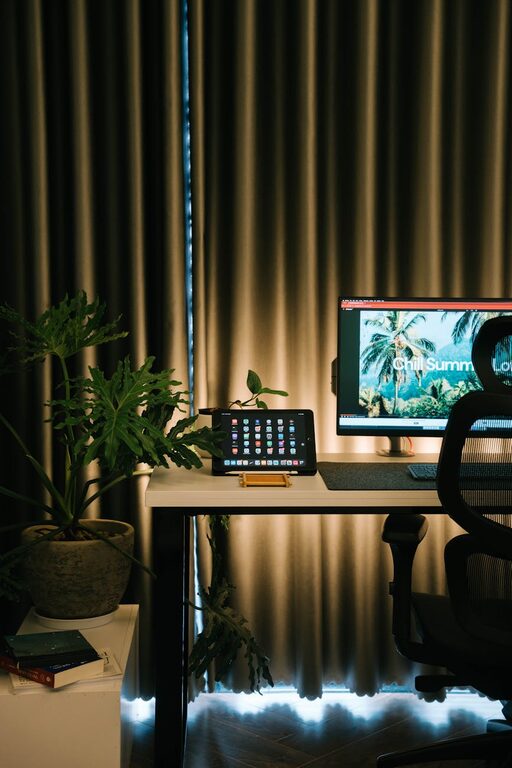
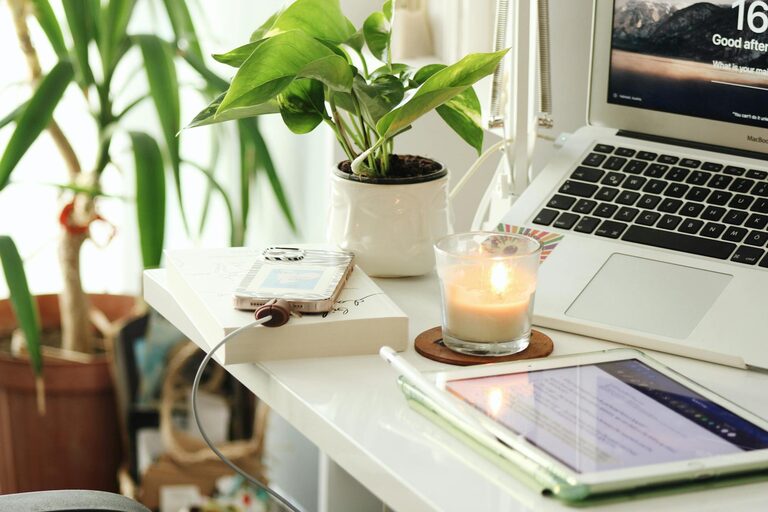
Creating a relaxing home workspace is essential for maintaining productivity and well-being while working from home. A well-designed space helps reduce stress, minimize distractions, and keep you motivated throughout the day. Whether you have a dedicated room or just a small corner, you can make a comfortable setup that supports your work habits. Here are some practical tips to help you create a home workspace that feels calm and boosts productivity.
Choose the Right Location
The first step in setting up a relaxing workspace is finding the best spot in your home. Ideally, pick a place with:
– Natural light: Exposure to natural daylight improves mood and alertness.
– Minimal distractions: Avoid areas with high foot traffic or noise.
– Good ventilation: Fresh air can help keep you energized.
If space is limited, a quiet corner or a part of the living room can work well.
Invest in Comfortable Furniture
Comfort is key to staying productive during long work hours. Consider these furniture tips:
– Ergonomic chair: Supports your posture and reduces back pain.
– Adjustable desk: A desk at the right height helps prevent strain.
– Footrest and cushions: Add extra comfort if needed.
Comfortable furniture reduces physical stress and lets you focus better.
Keep Your Workspace Organized
Clutter in your workspace can cause distractions and harm productivity. To keep things tidy:
– Use drawers, shelves, and containers to store supplies.
– Implement a daily or weekly cleaning routine.
– Limit personal items to a few meaningful objects.
An organized space creates a sense of calm and makes work easier.
Personalize Your Space Mindfully
Adding personal touches can make your workspace more inviting, but keep it simple:
– Place a plant or two for a touch of nature.
– Hang calming artwork or photos you enjoy.
– Use colors that make you feel relaxed, such as soft blues or greens.
Avoid overcrowding your space to maintain a peaceful atmosphere.
Control Lighting and Screen Glare
Proper lighting reduces eye strain and boosts focus:
– Use a mix of natural and artificial light.
– Position your computer to minimize glare on the screen.
– Consider a desk lamp with adjustable brightness.
Good lighting helps maintain energy and reduces headaches.
Incorporate Soothing Sounds or Silence
Sound environment matters for concentration and relaxation:
– Use noise-canceling headphones if your space is noisy.
– Play soft instrumental music or nature sounds to stay calm.
– If you prefer silence, communicate boundaries with family members.
Choose what best supports your ability to concentrate.
Maintain a Healthy Routine
Your workspace can encourage better habits:
– Keep water or healthy snacks nearby to stay hydrated and energized.
– Take regular breaks using timers to rest your eyes and stretch.
– Set clear start and end times to balance work and relaxation.
Healthy routines improve both mood and productivity.
Minimize Digital Distractions
Managing technology use is vital for focus:
– Turn off non-essential notifications during work.
– Use apps or browser extensions to block distracting sites.
– Keep your desktop and files organized to reduce frustration.
Limiting distractions helps you stay on task longer.
Add Elements That Promote Relaxation
Small additions can make a big difference:
– Use essential oils or a diffuser with calming scents like lavender.
– Keep a stress ball or fidget tool handy for moments of tension.
– Have a comfortable chair or space nearby to take brief calming breaks.
These touches help you reset and reduce stress during your day.
—
By carefully choosing your location, investing in comfort and organization, and adding simple personal touches, you can create a relaxing home workspace that supports your productivity and well-being. Take time to adjust your setup as needed and make it a space where you truly enjoy spending your workday.